How to create WSI
See also: Medical Training Guide - Scheduling WSI Visits.
This information has been copied from the document “wsi - copy”
Note: this guide was created using a test environment. No real-world PHI is used in this guide.
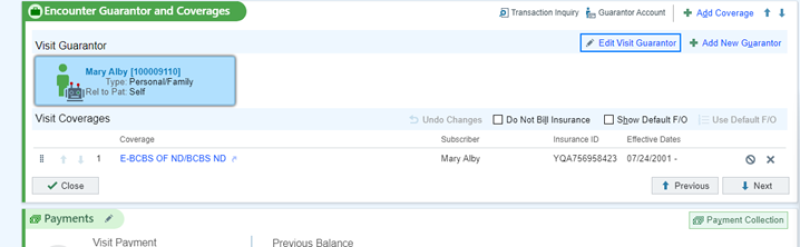
- Create a new guarantor.

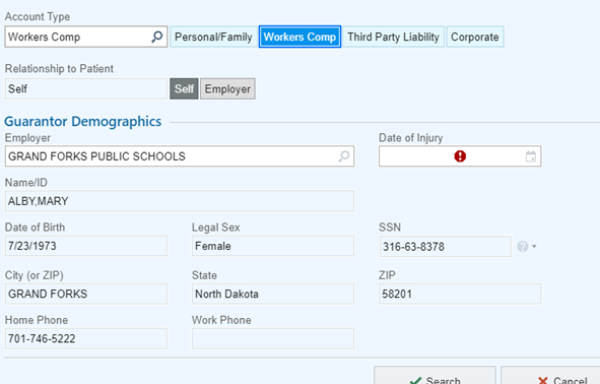
- Select Workers Comp.
- Add date of injury and create.
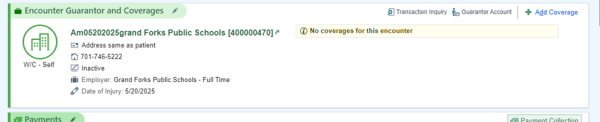
- Make sure the workers’ comp guarantor is attached to the visit, then we will add WSI insurance to the visit.

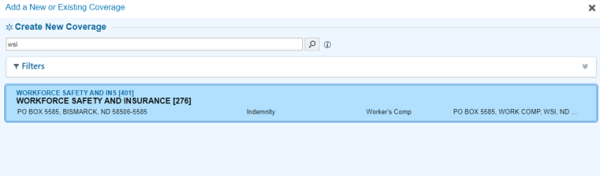
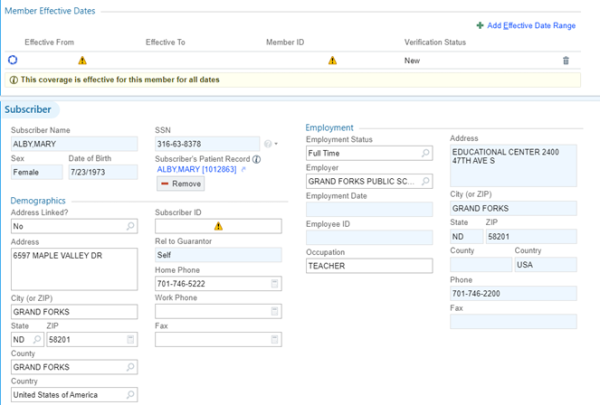
- Add the workers comp number for the subscriber ID

- Scan all paperwork into the document center


